

Canva is amazing, isn’t it? I honestly can’t remember life without it… It’s easy to use, has everything you need right there in the platform, and the integrations are insane! I mean you can post right to your favourite platforms AND connect to Dropbox and Google Drive … my love letter would be three posts long so I’ll just stop there for now…I’m sure you know how amazing Canva is or you wouldn’t be reading this post. So today I wanted to share my top Canva hacks for your Real Estate Marketing. Ready? Let’s take a look.
-
Background remover
We all love those photos of Realtors standing in front of a brick wall or standing in front of a house where the background is blurred out. They are tres chic, but what happens when you’d love to use your photo on an Instagram post or in some other context where that background just doesn’t work? Enter the Background remover tool. With just one push of a button, you have a flawlessly executed function that leaves you a headshot sans background. -
Smart Mockups
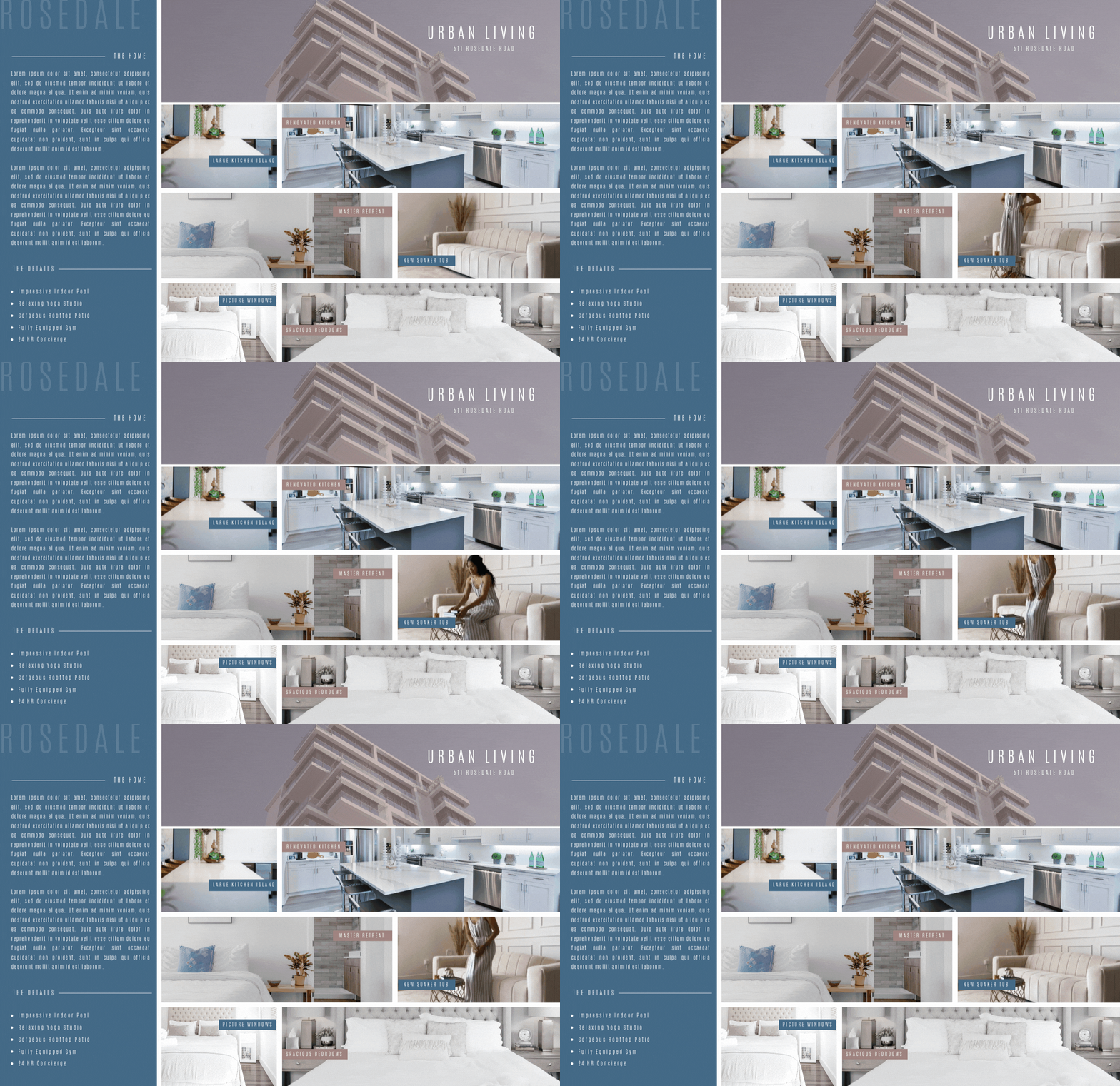
The addition of mockups has been a game-changer. But did you know this is a great tool to use to showcase your virtual tours, free resources, and even your website? Just upload a screenshot of your virtual tour, head over to the smart mockups tool, and select the one you’d like to use and within seconds you’ll have a mockup (like a woman holding an iPad) with your photo being showcased in style.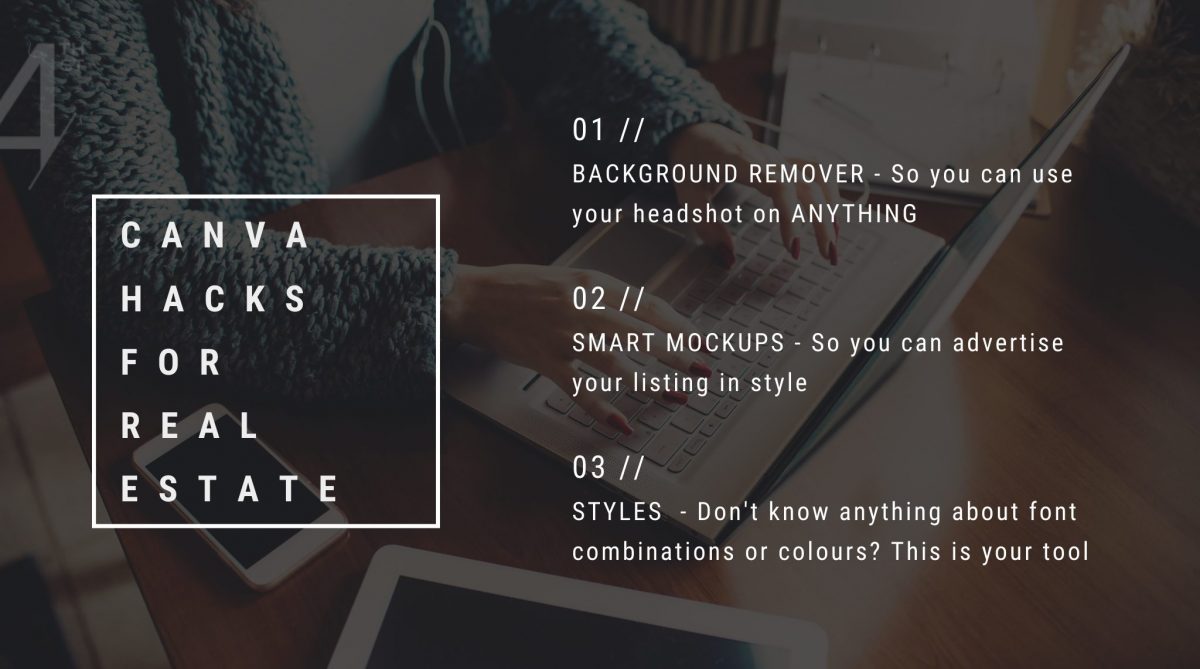
-
Styles
If you’re not sure what your brand colours are (you can find them by taking THIS quiz) then the Styles section is going to be your best friend! Design your post and then keep on clicking different styles until you find one you love. Such a quick and effortless way to create stylish posts in minutes. -
Templates
Type in “mockup” in the template section t renewal a bunch of templates you can use for your listings, websites, and resources! Not a pro member? Use the pro templates as inspiration to create your own. -
Video
Digital feature sheets are all the rage these days and I couldn’t be happier. Less printing means we help the environment out a little while super-charging our designs with interactive elements and moving pictures. If you want to impress potential clients with your next feature sheet, swap a photo of the living room for a video of the living room (that you shot on your iPhone), and voila! You’ve got yourself a very, very cool feature sheet!