


Take a deep breath, my non-techy friend, because I’ve got the simple guide to breathtaking design right here! I know, it sounds like a BIG promise, but truthfully, most realtors (and everyone else!) tend to overcomplicate things. It’s like when I used to do custom designs for realtors—it took me a hot minute to realize that simplicity was the key. I used to add unnecessary elements to designs just because I felt obligated to make it elaborate and make clients feel they got their money’s worth (file that under things that are so wrong you have to laugh or you’d cry). Here’s the truth: The most sophisticated designs that stand the test of time are surprisingly uncomplicated—they adhere to a few simple rules that I’m so excited to share with you here…
No. 01
Less is More
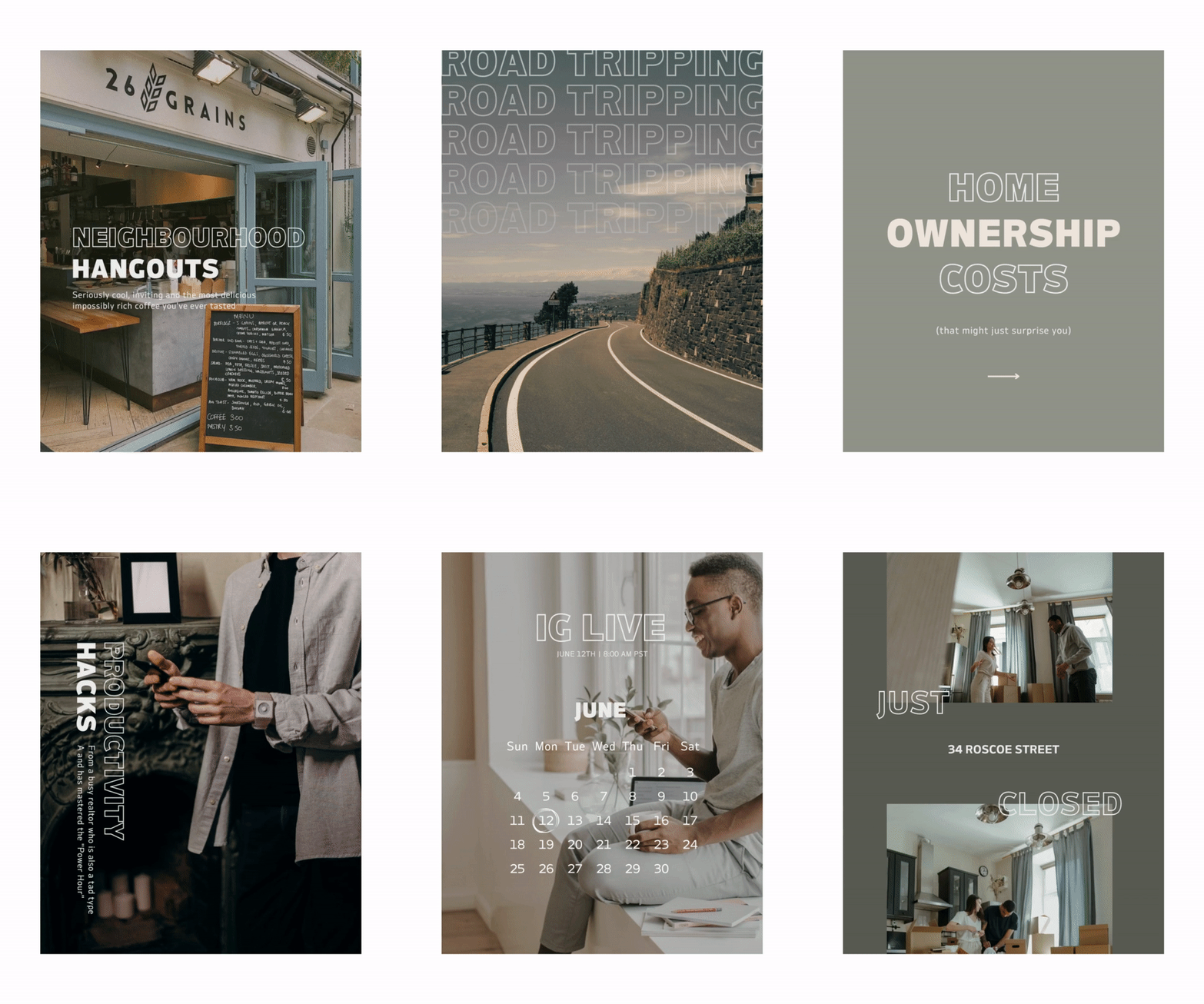
Remember, simplicity is the key to effective design. Avoid overcrowding your designs with unnecessary elements. Keep it clean, uncluttered, and let your message shine. Sometimes, a simple layout with well-chosen elements can make a stronger impact than an overly complex design. Embrace the beauty of whitespace and let your content breathe.
No. 02
Stay Inside the Margins
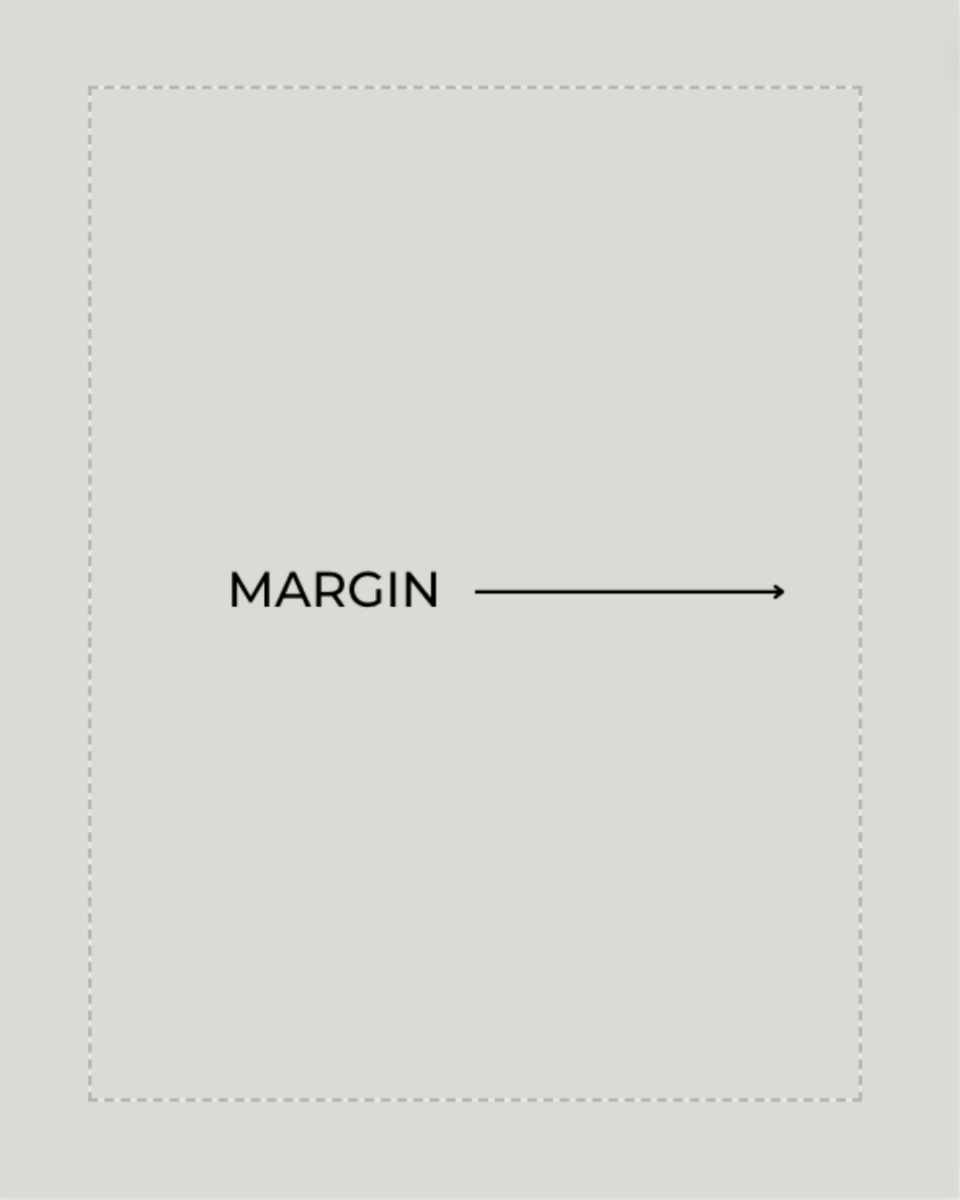
Don’t let your designs go off the rails! Canva makes this super easy. Ever noticed that dotted line? If not, head to File > View Settings > Show Margins. Make sure your text and elements stay within that dotted line. It’s that simple. What’s the deal with all that extra space, and why do you want to avoid it like the plague? I think of this “white space” as a beautiful breathing room. But there’s a psychological reason at play here. When you put things too close to the edge, it makes the viewer feel uneasy, and that extra room draws the eye inward. This will make your designs visually pleasing and easy to view and read.
No. 03
Utilize Templates (Always!)
If you’re not a designer, no biggie! It’s not a prerequisite to achieving professional-looking designs anymore, not since Canva gleefully jumped onto the scene, stole the show, and became THE DIY design program of choice for designers and non-designers alike. Just choose a template from the hundreds of options Canva provides (free and paid, yay!) OR head over HERE to grab some Fourth Street Templates specifically designed for real estate with built-in strategy (and copy) included! (OR join The Marque Collective and get every single Fourth Street template PLUS more every month)

Pro Tip: Create a library of templates that float your boat and then use them over and over again—no need to reinvent the wheel every time you head into Canva. Remember to update your designs every few years to stay up-to-date with design trends.
No. 04
Brand Consistency with Canva’s Brand Hub
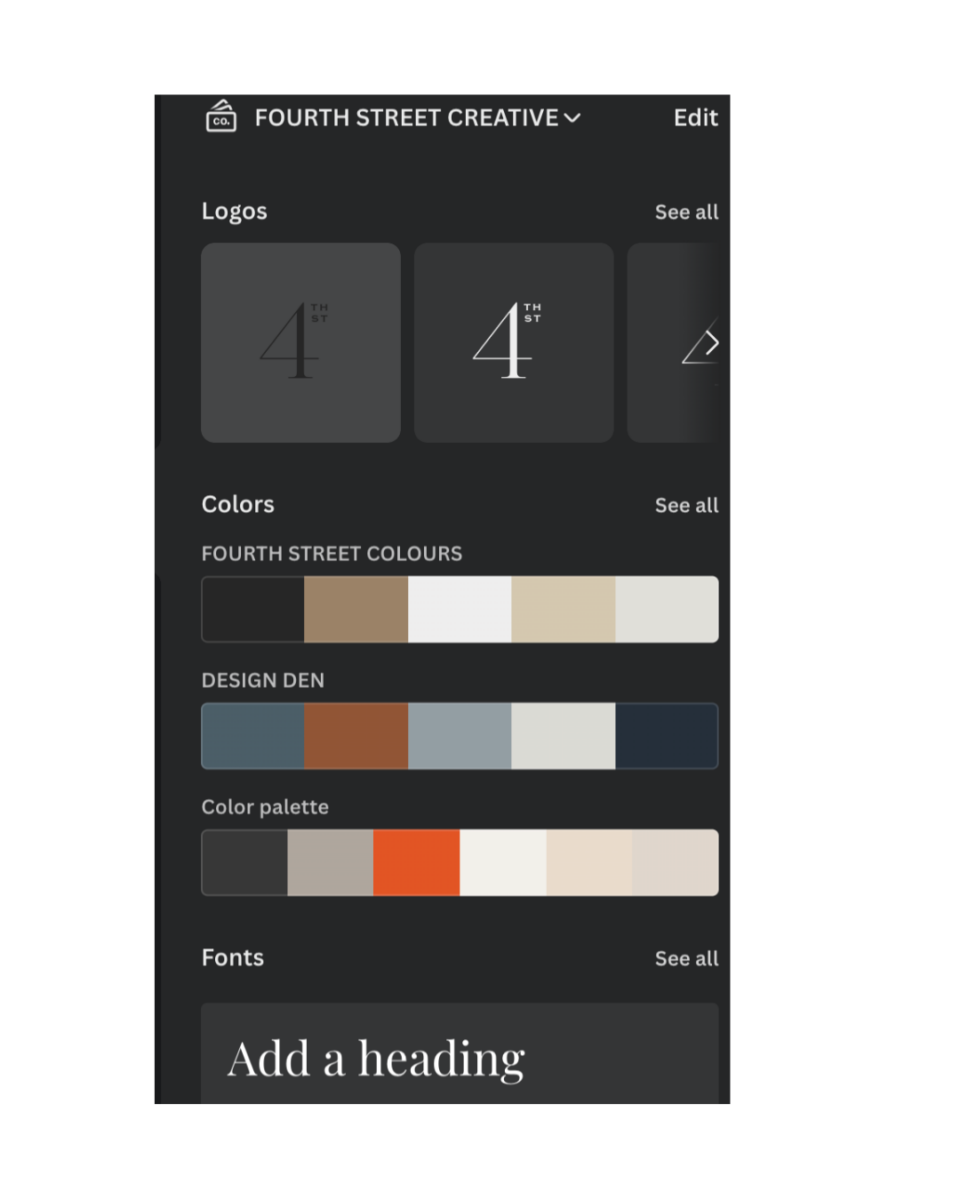
Use Canva’s Brand Hub to upload your logo, color palette, and brand imagery. This makes it easy to swap colors and elements, ensuring consistency across all your marketing materials. With just a few clicks, you can maintain a cohesive and recognizable brand presence that resonates with your audience.
No. 05
Create an Image Gallery or Hire a Photographer
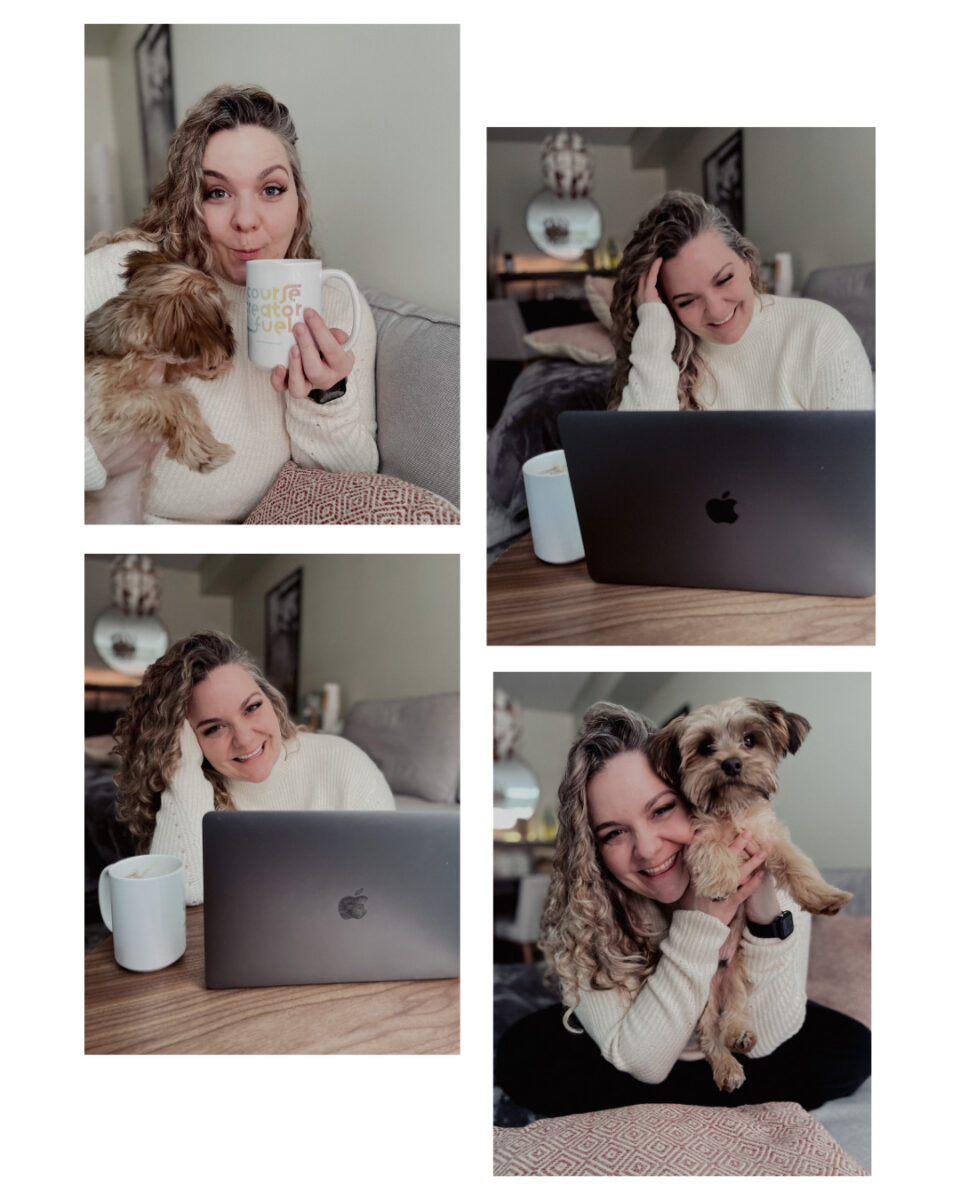
I’m all about DIY photoshoots! My sweet partner puts on his photographer hat every quarter to take some brand photos of me in my element, and they always turn out great! iPhones (and smartphones in general) have become so sophisticated when it comes to taking really impressive professional-level photos. Even after forking over lots of $$$ to a professional photographer for some lifestyle shots, I still prefer the ones Lydell took. There’s something to be said for someone who makes you feel 100% comfortable while taking your photo. But if you don’t have someone like that, just grab a tripod and use your phone’s countdown timer to snap some pics of you doing what you do, in your element, edit in Lightroom, and call it a day!
You can also curate some stock photos that represent the tone of your brand. My favourite place to find free stock photos is Pexels.com—they have the most beautiful free images imaginable. Focus on photos with the right tone, colours, and subject matter for a compelling on-brand gallery, then upload them to your brand hub in Canva for easy access when designing social posts. A library of high-quality visuals allows you to create a consistent look across your marketing materials, reinforcing your brand’s identity and making your designs instantly recognizable.
There you have it—designing stunning visuals for your real estate business doesn’t have to be overwhelming. So, get started and simplify your design process with these tips. Happy designing!